
HELP CENTER
Use your player with confidence.
These guides explain Txcc as media-player software: how to choose a source, pair another screen, control playback and solve common problems without exposing private playlist details.
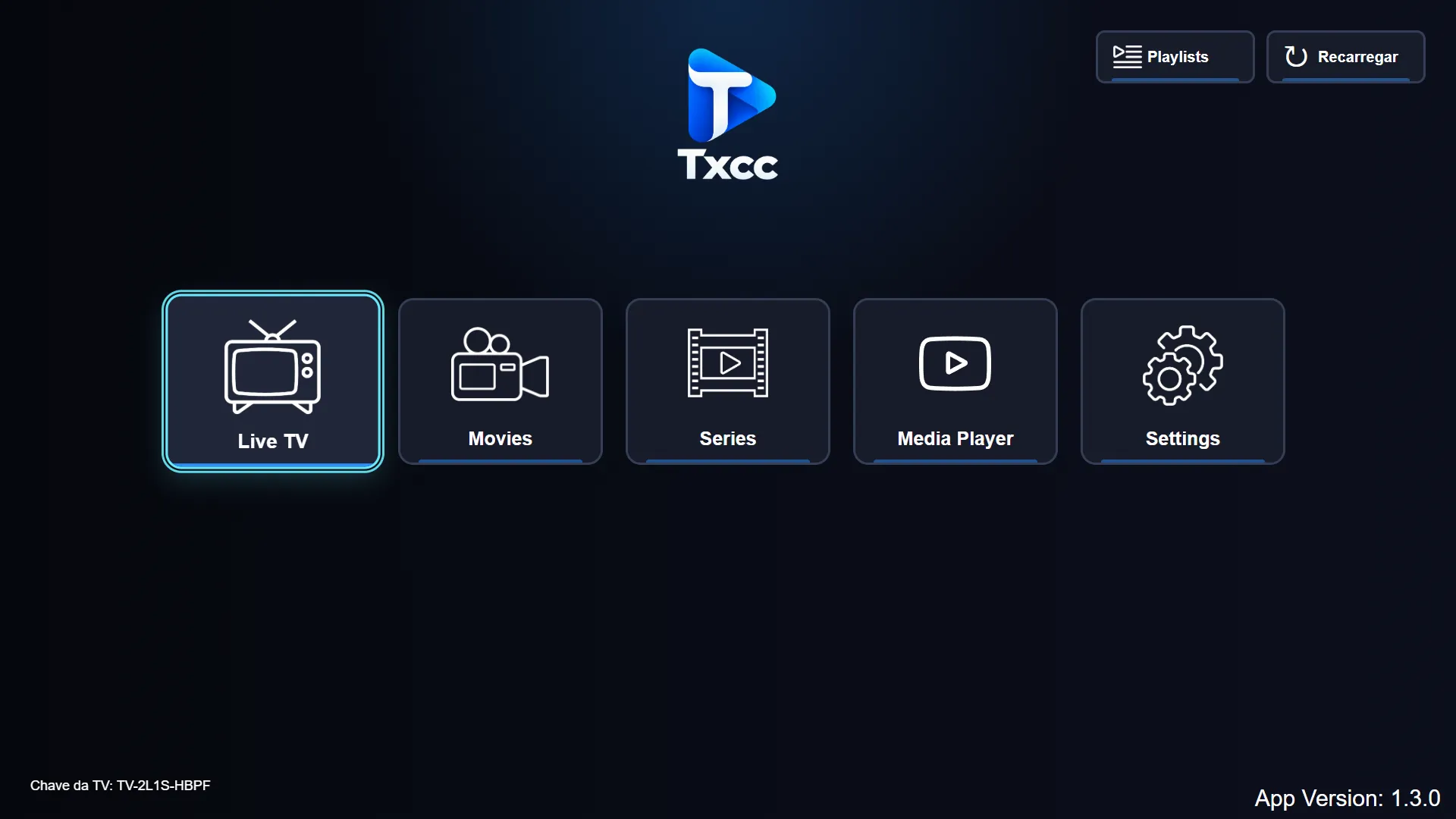
Getting started
Learn the first-use flow, the main areas and how to open a video from a supported source.
Read guide → PLAYLISTSPlaylist setup
Add and manage an authorized source directly on the device and understand DNS codes.
Read guide → PAIRINGAdd from the website
Transfer a playlist with a QR Code or a temporary key and six-digit code.
Read guide → MEDIA SOURCESLocal, USB and network
See how source availability changes by platform and what remains on your device.
Read guide → PLAYBACKControls and tracks
Play, pause, seek, select audio or subtitles, change speed and adjust screen fit.
Read guide → SUPPORTTroubleshooting
Diagnose loading, network, authentication, format and device-specific problems.
Read guide → PRIVACYHow your data is handled
Understand device-local storage, encrypted pairing and information the site never requests.
Read guide → PRODUCTAbout Txcc
Read what the software provides, what it does not provide and how to contact Txcc.
Read more → ACCESSLicense information
Compare free local playback and licensed playlist features without confusing either with content.
View license information →